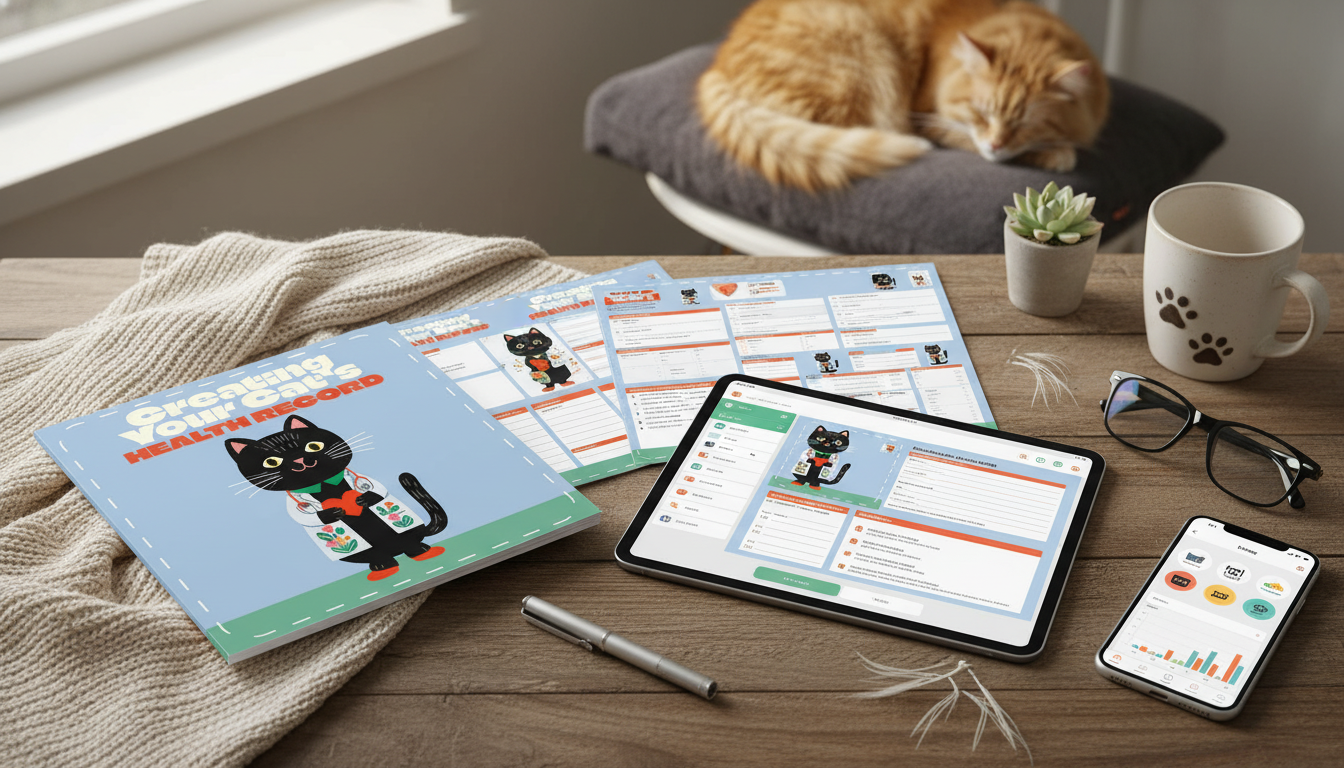
A complete cat health record keeps vaccinations, medications, lab results, diet notes, and symptom timelines in one place—so vet visits are faster, emergencies are less stressful, and changes in your cat’s health are easier to spot. A good system doesn’t need to be complicated; it just needs to be consistent, easy to update, and easy to share when it counts. Below is a practical way to build a printable binder plus a digital folder, along with low-risk AI uses that help organize information without replacing veterinary guidance.
When your cat seems fine, it’s easy to assume you’ll “remember everything.” But in a busy week—or during a scary symptom flare—that memory gets fuzzy. A health record helps you:
For general pet care guidance and what to expect during veterinary visits, reputable references include the American Veterinary Medical Association (AVMA) — Pet Care and the Cornell Feline Health Center — Health Information.
Think of your record as a “single source of truth” that covers identity, routine prevention, ongoing care, and a timeline of events. Core categories to include:
A “3-layer” structure keeps your record clean and quick to use:
Use a binder with tab dividers (Profile, Vaccines, Meds, Visits, Labs, Diet/Weight, Notes). Put the one-page summary in a clear front sleeve so it’s visible at a glance. Choose “date-first” fields so the timeline reads naturally when you flip through months of notes.
Create a master folder with consistent file names like: YYYY-MM-DD Vet Visit – Clinic – Reason. Keep subfolders for Vaccines, Labs, Imaging, and Receipts. If you’re scanning papers, save as PDF and name files the same way each time. Add checkboxes in a digital note for repeat items (meds given, appetite normal, stool normal) so you can update in under a minute.
| Section | What to record | Where it helps most |
|---|---|---|
| ID & contacts | Microchip, vet, emergency hospital | Lost pet, urgent care handoff |
| Current meds | Dose, schedule, last given | Emergency triage, boarding |
| Chronic conditions | Diagnosis, triggers, red flags | Faster decision-making at visits |
| Recent changes | Appetite, water, litter box, weight | Early detection of problems |
| Vaccines/preventives | Last done + next due | Routine care planning |
For additional pet owner education resources, the American Animal Hospital Association (AAHA) — Pet Owner Resources is another reliable reference.
If you want a structured setup that’s easy to maintain, Creating Your Cat’s Health Record (printable + digital guide) includes a framework for daily notes, vet visit documentation, and lab attachments—designed to stay simple for routine care and flexible for chronic-condition tracking.
To make logging and sharing updates easier during telehealth or when documenting visible symptoms, a stable phone/video setup can help; the Carbon Fiber Travel Tripod with Teleprompter Mount is a practical tool for steady clips and clear lighting angles. And if vet days and medication schedules raise stress at home, Calm With Smart Tools — AI-Enhanced Stress Relief Ebook offers simple calming routines that pair well with a consistent caregiving plan.
Update it daily when you’re tracking symptoms or giving medications, and immediately after any vet visit, vaccine, preventive dose, or diet change. For stable cats, a short weekly check-in plus monthly weight is usually enough; seniors or cats with chronic issues may need more frequent weight and symptom notes as directed by a veterinarian.
Include microchip/ID, your primary vet and nearest emergency clinic contacts, current medications with the last dose time, known allergies, chronic conditions with red flags, recent behavior or appetite changes, and the last vaccine/preventive dates. Keep it easy to read so someone else can act quickly if you’re not available.
Yes—when it’s used to organize and summarize your notes, standardize wording, and help draft questions for your vet. Avoid using AI for diagnosis, dosing, or changing medications, and protect privacy by removing identifiers and storing originals locally whenever possible.




Leave a comment