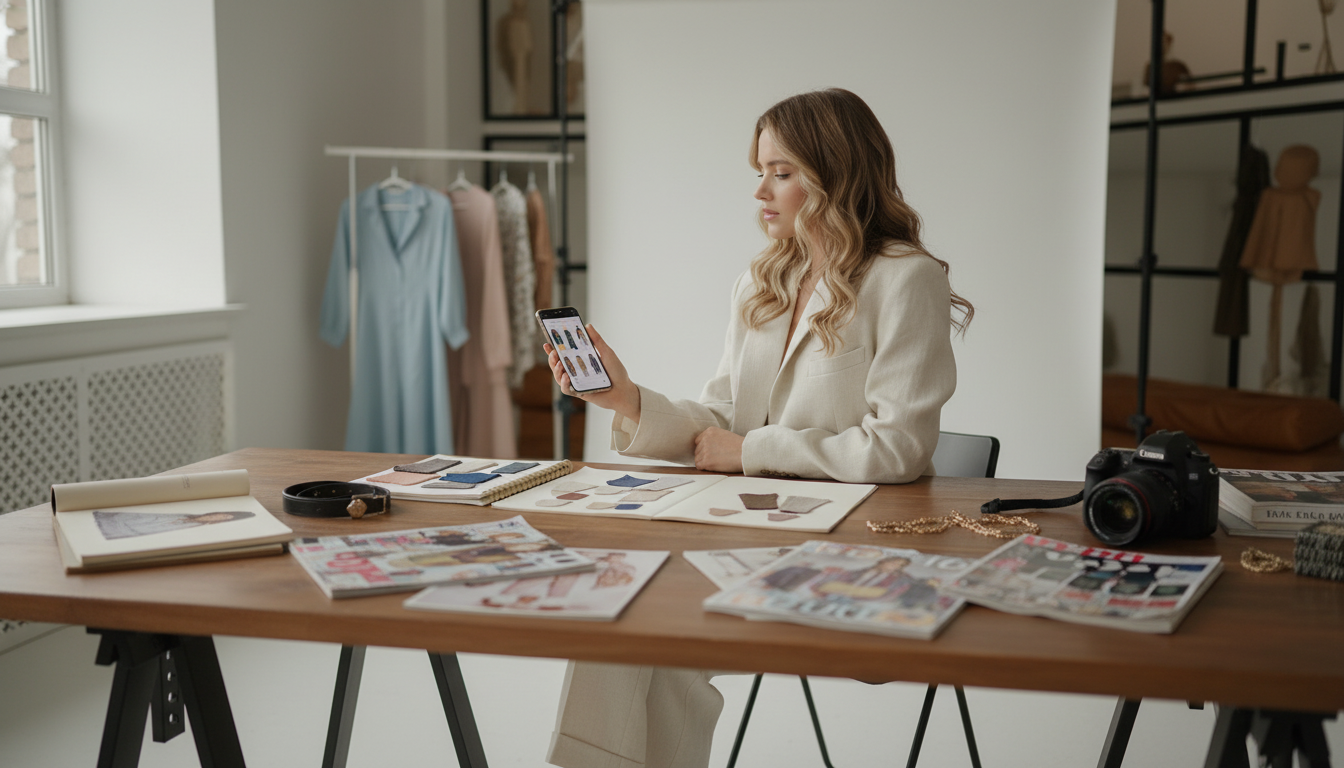
A great phone lookbook turns “random outfits” into a repeatable system. Once you have a small set of consistent photos and notes, getting dressed becomes faster, packing gets easier, and posting or sharing outfits stops feeling like starting from scratch. The best part: with a phone, a clean background, and one simple layout, a polished lookbook can be planned, shot, edited, and assembled in one sitting—no studio gear required.
Start by deciding what the lookbook is for: a personal outfit library, a seasonal capsule, a brand portfolio, resale listings, or quick content for social. That purpose determines the format and the amount of detail you’ll add.
| Format | Best for | Ideal size | Where it shines |
|---|---|---|---|
| Carousel (IG/TikTok photos) | Quick style ideas and engagement | 8–12 slides | Easy to post and update |
| PDF (phone-friendly) | Clients, resale bundles, brand decks | 10–20 pages | Looks professional and shareable |
| Collage grid | Capsules and packing lists | 1–4 grids | At-a-glance outfit planning |
| Story highlight | Daily outfit logs | 10–30 frames | Feels casual and always current |
The fastest lookbooks are decided before the camera turns on. A little structure prevents “almost the same outfit” repeats and keeps the set cohesive.
If you want a ready-made workflow you can follow start-to-finish, the digital guide How to Create a Style Lookbook on Phone: The Ultimate Guide to Making Your Mobile Lookbook in Minutes is an easy “do this next” reference to keep on your phone while you shoot.
Lighting and background do more for quality than any filter. Aim for “clean and consistent,” not “over-edited.”
Small adjustments make self-shot outfit photos look intentional instead of accidental.
If you want a steady, repeatable setup you can use anywhere (hotel rooms, closets, small apartments), a travel tripod can make the whole process faster. The Carbon Fiber Travel Tripod with Teleprompter Mount is useful when you want consistent framing and hands-free shooting without balancing your phone on a stack of books.
| Step | Goal | Typical adjustment |
|---|---|---|
| Exposure | Even brightness across slides | +0.2 to +0.6 |
| White balance | Neutral whites and accurate colors | Warm/Cool small tweaks |
| Contrast | Crisper silhouette without harsh shadows | +5 to +15 |
| Highlights/Shadows | Keep fabric detail | Highlights down, Shadows up slightly |
| Sharpening | Clean edges for outfits | Low to medium |
Choose one tool that supports templates, consistent typography, and easy exports (carousel sizes and PDF). Many creators use a design app for layout plus a separate photo editor for batch editing, then keep that same workflow for every update.
For a quick social carousel, 8–12 outfits is usually enough; for a PDF, 10–20 pages works well. A capsule lookbook can be smaller, as long as the set feels cohesive and repeatable.
Place your phone at chest height on a stable support, use a timer or burst mode, and mark your standing spot with tape so distance stays consistent. Use simple pose cues (weight shift, slight turn, hands holding a bag or jacket) or record short video clips and grab the most natural frames.


Leave a comment