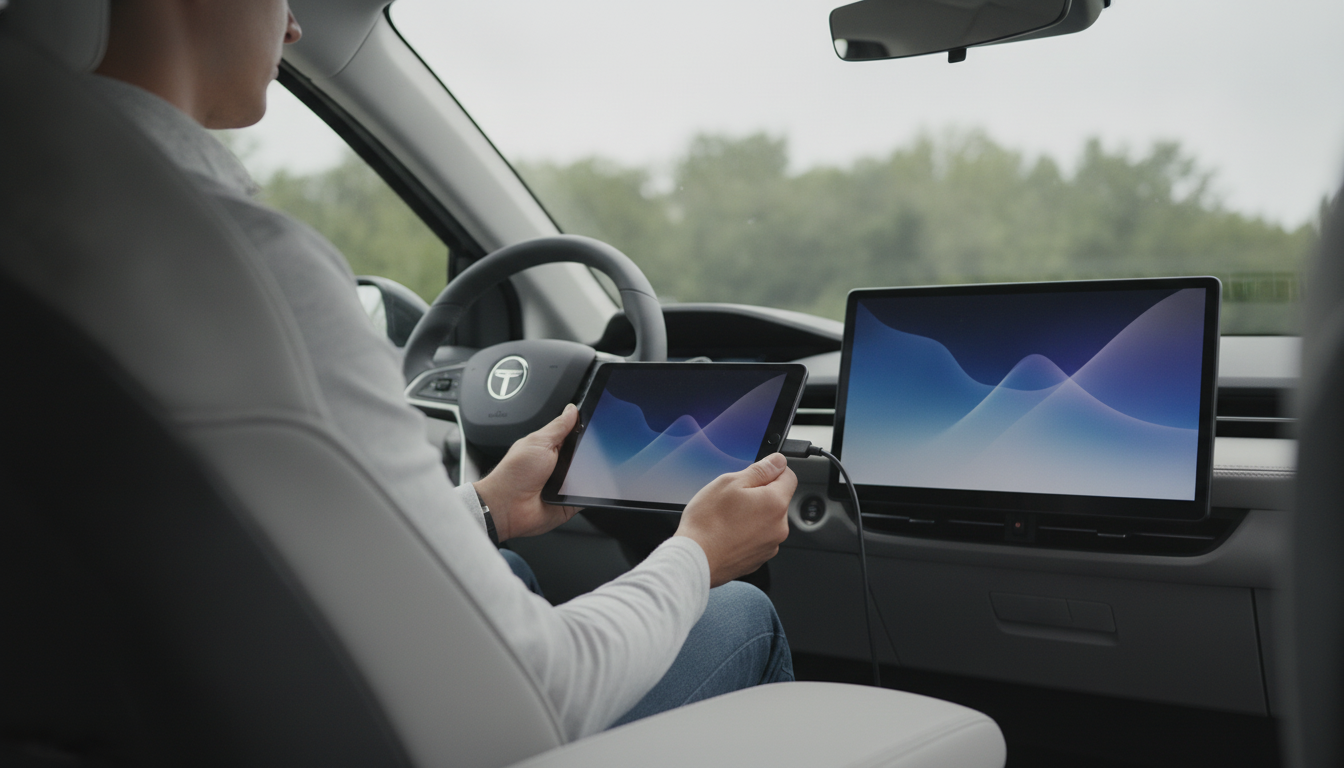
Sometimes—though it depends on your smart TV’s operating system and what Calm currently offers on that platform. Calm is primarily built for phones and tablets, so many people end up using a workaround to get Calm content onto a bigger screen, especially for sleep stories, soundscapes, and guided sessions at night.
If your TV has an app store and Calm is available there, you can download it like any other streaming app. This is most common when a platform supports a wide range of wellness apps, but availability can change by region and device model. If you don’t see Calm in the TV’s app store, your TV likely doesn’t support a native Calm app.
If your TV doesn’t have Calm, you can still use Calm on your smart TV by sending audio or video from another device:
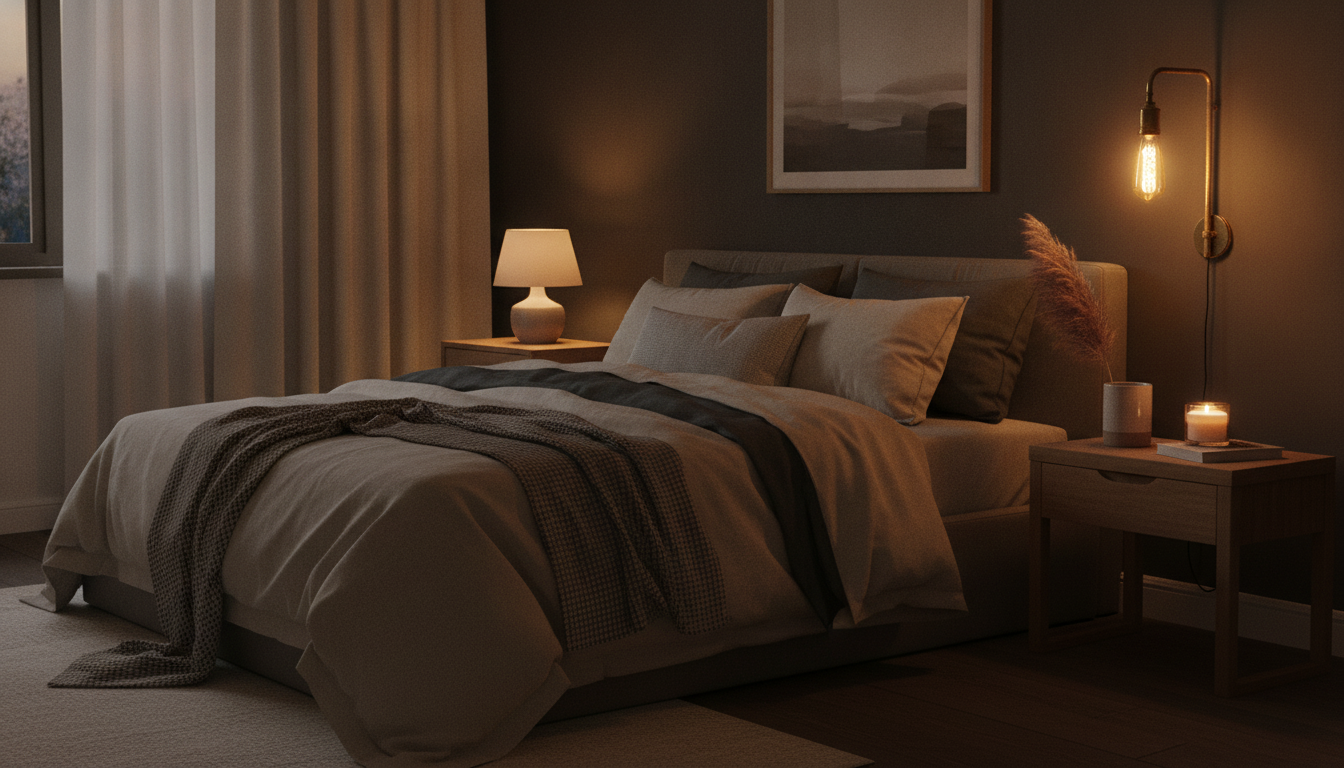
For bedtime use, lower the TV brightness, enable “night mode” if available, and set a sleep timer so the screen turns off automatically. If you’re primarily listening, consider sending audio to a speaker rather than keeping the TV lit.
For more ideas on using Calm with home tech and creating a low-stress routine, visit this guide to Calm with smart tools for stress relief at home.
Open Calm on your phone, start the session, then use your device’s casting option (Cast on Android/Google Home or Screen Mirroring/AirPlay on Apple devices). Make sure your phone and TV are on the same Wi‑Fi network for reliable playback.


Leave a comment