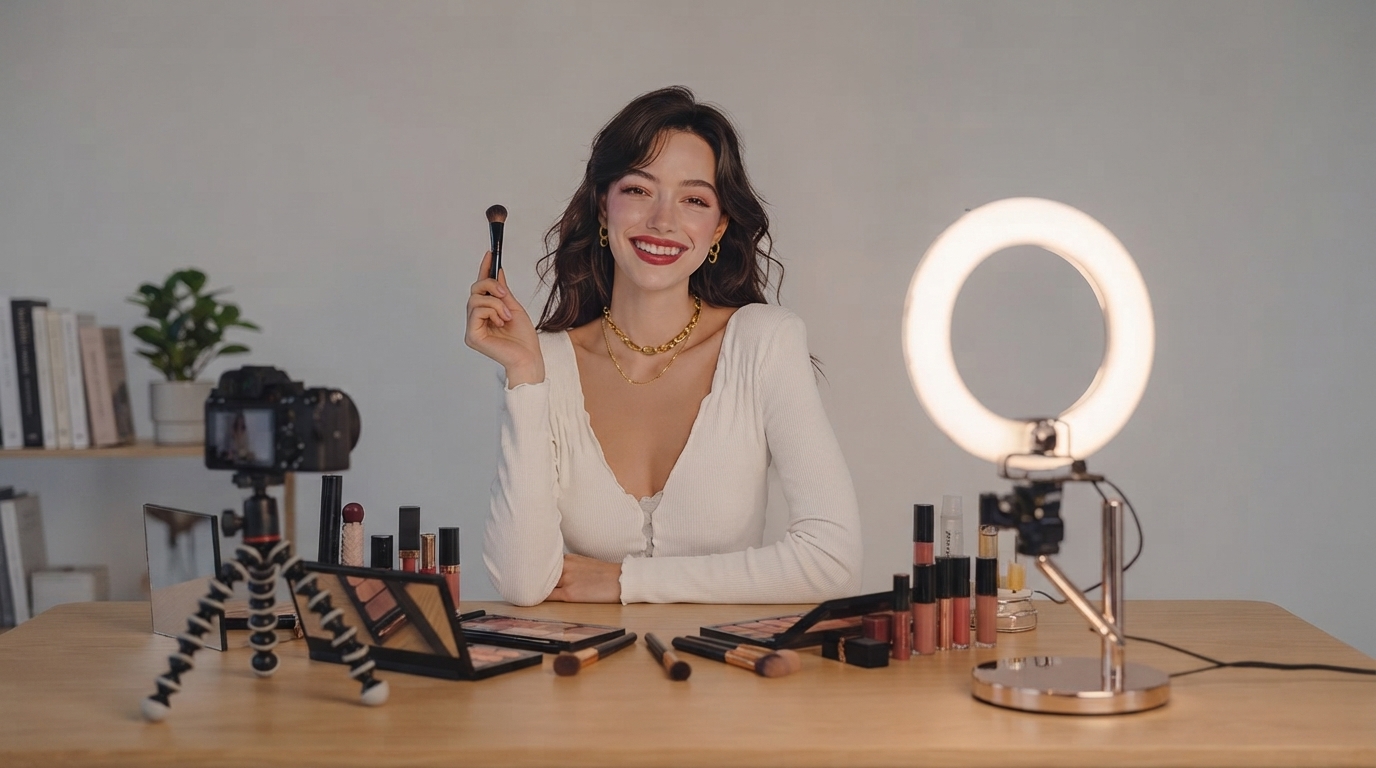
Camera nerves are common—even for people who know their topic inside and out. The good news: confidence isn’t a personality trait you either have or don’t. It’s a byproduct of reducing uncertainty with a repeatable routine. When you know what you’re going to say, how you’re going to say it, and what you’ll do if you blank, your body stops treating the lens like a threat and starts treating it like a conversation.
Below is a practical plan to help your videos feel more natural, from preparation and setup to speaking habits and quick practice reps you can repeat every week.
On camera, normal communication cues disappear, and your brain fills the gap with self-criticism. A lens doesn’t smile, nod, or react, so it can feel like you’re performing rather than connecting.
For additional skill-building resources, YouTube’s Creator Academy is a solid starting point for fundamentals, and the American Psychological Association offers practical stress education that maps well to camera nerves.
Use a four-part loop that’s easy to run even when you’re busy. The goal isn’t a perfect take—it’s a dependable process that makes “press record” feel normal.
| Stage | Time | What to do | What to avoid |
|---|---|---|---|
| Warm-up | 3–5 min | Breathing + posture reset + one tongue twister | Skipping warm-up and hitting record cold |
| Record | 10–20 min | Capture 3–5 short takes; keep the best | Endless retakes for a “perfect” take |
| Review | 5–10 min | Note one strength + one fix for next time | Critiquing appearance or voice tone as a personal flaw |
| Reinforce | 2–5 min | Write a one-sentence win; save a “best clip” folder | Deleting everything and losing evidence of progress |
These micro-adjustments reduce anxiety fast because they remove the “What do I do with my brain/body?” uncertainty.
Freezing usually happens because you’re trying to remember everything at once. Recovery lines give your brain a safe “on-ramp” back into the message.
You don’t need to eliminate nerves to look composed. You need a few observable behaviors that read as calm and intentional.
If you want extra speaking practice outside YouTube, Toastmasters has useful guidance on fundamentals like pace and clarity: public speaking tips.
For smoother editing and fewer “tiny frustration” moments during recording, a responsive mouse can help you move faster between takes and cuts. If you want a simple desk upgrade, consider the RGB Wireless Gaming Mouse for Mac and PC.
If you prefer a ready-made plan you can follow without overthinking, Confident on Camera: Your YouTube Confidence Breakthrough – Digital Download Guide to Boost Your Video Confidence is built around practical exercises and repeatable routines.
Many creators notice improvement within a few days of short, consistent reps, with stronger comfort building over a few weeks. Track small wins (clearer pacing, fewer retakes) rather than waiting for nerves to disappear completely.
Recorded voice often sounds unfamiliar because you’re used to hearing yourself through internal resonance rather than playback. Gradual exposure helps—focus on clarity and message, and use a decent mic so your voice sounds more natural and less harsh.
Scripting can improve accuracy and structure, while bullet points usually sound more natural. A hybrid approach works well: script the intro and outro, then use bullet points for the body to keep your delivery conversational.





Leave a comment