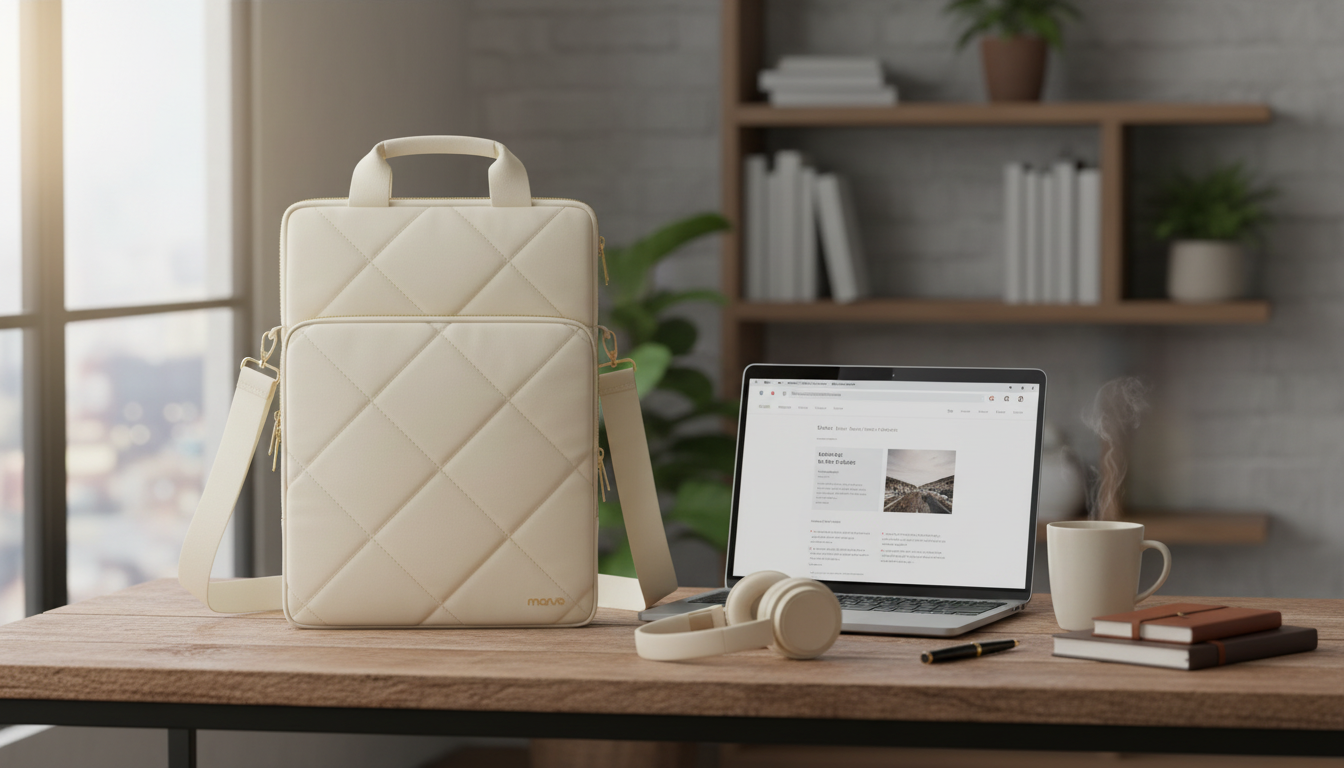
A vertical shoulder bag is a smart match for bigger laptops because it keeps the device upright, close to your side, and easier to maneuver through everyday crowds. If you commute, work from coffee shops, or travel light with a 15–16 inch MacBook Air or MacBook Pro, the right vertical bag can reduce bulk, improve access at security or a shared desk, and keep essentials neatly separated so hard accessories don’t press into your laptop.
When a laptop gets larger, the “briefcase-wide” feel becomes more noticeable—especially on packed sidewalks, on public transit, or in tight office corridors. A vertical bag changes the way the load occupies space.
“15–16 inch” is a helpful starting point, but fit comes down to actual device dimensions and how the compartment is built. Apple’s model lineup changes over time, and two laptops with similar screen sizes can differ in thickness and footprint. It’s worth confirming your exact model details via Apple Support before buying a bag.
| What to check | Why it matters | Target outcome |
|---|---|---|
| Laptop dimensions (W x D x H) | Prevents tight corners and pressure on the chassis | Bag compartment has a little extra room on each side |
| Padded laptop compartment | Reduces impact from bumps and set-downs | Dedicated padding around base and sides |
| Opening width and zipper path | Affects ease of insertion/removal | Laptop slides in/out without forcing angles |
| Accessory load (charger, mouse, notebook) | Overstuffing can stress zippers and press on the laptop | Separate pockets keep hard items away from the laptop panel |
| Strap adjustment range | Determines comfort for different heights and outfits | Bag rides at hip/upper hip without swinging |
Protection isn’t only about thick foam. The most useful protection is targeted: guarding impact points, avoiding scratches, and preventing pressure from hard items.
For air travel, remember that screening rules and procedures can vary by airport and lane setup. It helps to be ready to remove electronics quickly; the TSA’s guidance is a good reference point: TSA — What Can I Bring?
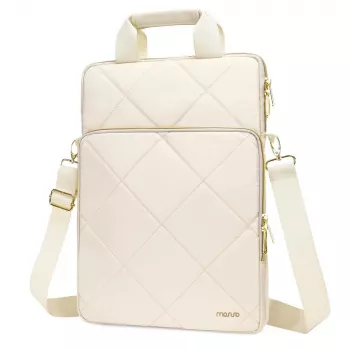
If you want a simple, everyday-ready carry, the Vertical Laptop Shoulder Bag for MacBook Air Pro 15-16 Inch is built around a slim vertical silhouette designed for larger MacBook sizes. It’s well-suited to commuting, library or coffee-shop work sessions, and light travel days where you want your laptop protected without carrying a bulky messenger.
For a clean mobile setup, pairing your laptop carry with compact accessories helps keep pockets organized and weight under control. If you want a wireless option that stays easy to pack, consider the RGB Wireless Gaming Mouse for Mac and PC as a desk-friendly add-on that won’t demand much space inside the bag.
Yes when the bag is explicitly sized for 15–16 inch laptops. Confirm the compartment dimensions and leave a bit of clearance, especially if you use a protective shell or slim sleeve.
It can be, particularly with a padded strap and a design that keeps the laptop close to your body. Adjust the strap height so the bag rides at the upper hip and avoid overpacking heavy accessories.
Use separate pockets for power bricks, hubs, and keys, and keep hard items from pressing against the laptop panel. Place heavier accessories lower in the bag and away from the laptop compartment for better protection.





Leave a comment